Staking Guide
Staking pays people to keep the parts of the chain that ordinary nodes throw away.
Archival pay-for-service
A bond, then real work
You bond SKL as on-chain collateral and earn a share of the reward budget for the archival work your position verifiably performs. The bond stays yours. It is an honesty anchor — slashable if the work is not done — and it is never a custody transfer. There is no lock period, no duration tier, no minimum stake, and no vote. An earlier design that paid people for locking coins was retired before genesis.
What the work is
Every node keeps the proofs it needs to spend, and later discards the bulky body of old transactions
Those bodies are what a rescan, an audit, or a dispute still needs, so someone has to hold them
A shard is one window of that history. You hold shards and answer challenges that prove you still have them
Pay follows capped verified serve-work, so a larger position does not buy a proportionally larger share
How a position runs
Activate once
You activate staking once. The wallet posts the archival bond and runs the background scan that answers challenges. You do not hand control of your coins to anyone.
Rewards arrive on their own
The reward budget is a share of burned fees plus a share of each block’s new coins, divided by verified serve-work. The open wallet submits the reward transaction when each epoch settles. There is no claim button. Amounts too small to cover the fee wait until they do.
Stopping is a release, then a wait
When you are done, you post a permanent release and later collect the collateral. Freed collateral sits through a release cooldown before it can back a new shard. Dropping one shard to fund another immediately strands both.
Shard Visualization
Each shard you archive has a unique, reproducible picture in the wallet — a human-readable fingerprint of that window of chain history, drawn from the shard's archived content. Pick a shard below and this site's node fetches it from a holder and draws it; the samples further down are pre-rendered from the candidate compositor using illustrative fake-chain data.
A live shard
Name a shard and fetch it.
The site's node fetches the shard's archived content from a holder on the network, verifies it, and the picture is drawn from what came back. Only a closed shard has a picture.
Pre-rendered samples from the candidate compositor — illustrative fake-chain data, not live mainnet shards.
Each archival staking shard will have a unique visual derived deterministically from its public chain content. Two stakers archiving the same shard see the same image; different shards look different. That gives you a quick visual integrity check alongside cryptographic verification — and makes rare shards easy to recognize at a glance in the wallet.
The current candidate formula layers two difference composites: a round-ish foreground (aperiodic tile ⊖ phyllotaxis) over a crystalline background (truchet ⊖ crystalline), then merges those with a final difference pass. Palettes and blend strength come from the shard hash and aggregate chain statistics — fixed algorithms, variable aesthetics.
Across chain regimes
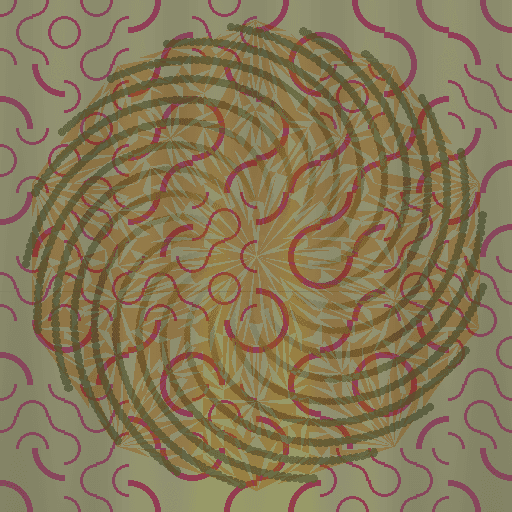


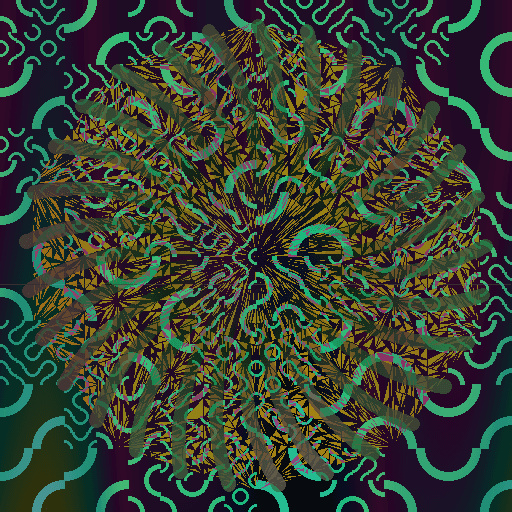
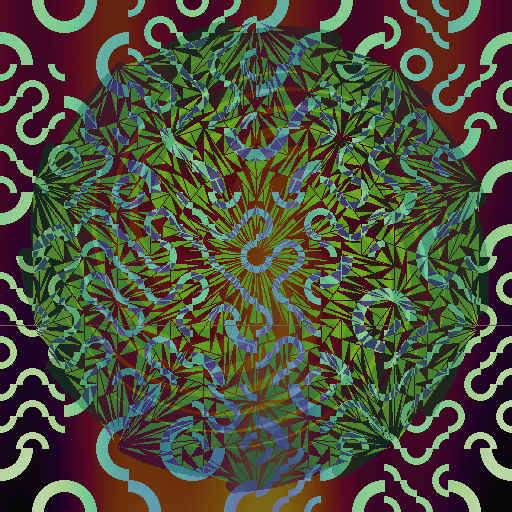
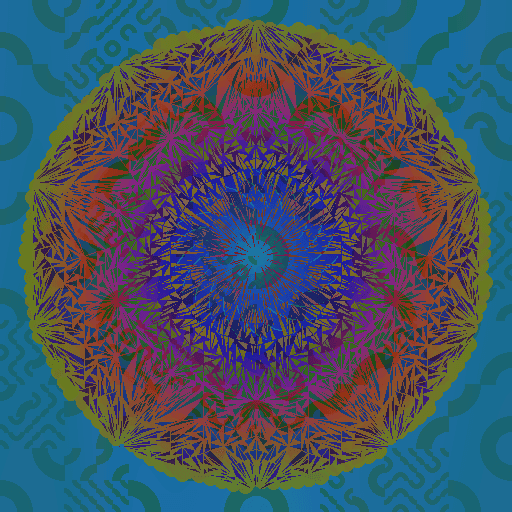
Same regime, different hash
Regime labels describe aggregate chain character; the shard hash still drives the final look. These two genesis-regime samples share a label but not an image.

If you are going to run one
The safe way to run a staker is to set it up once and leave it. The Staker-Operator Guide covers the few actions that look reasonable and still strand capital or weaken your privacy. The CLI’s command names live in the user guide, which the documentation browser serves from the development branch.